

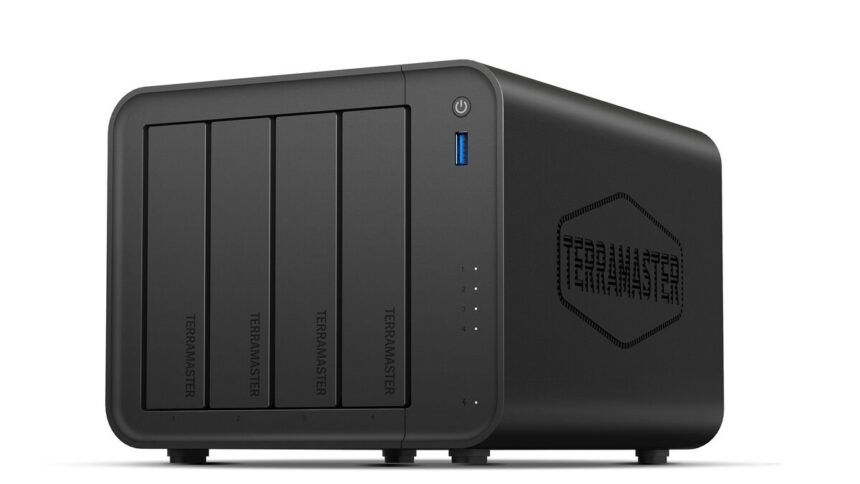
A NAS, or Network Attached Storage device, is essentially a dedicated mini-computer designed purely for storing and managing files on a home or office network. Instead of scattering photos, videos and documents across laptops, phones and external drives, a NAS centralises everything in one secure location that can be accessed from multiple devices at any time. It can automatically back up computers, stream music and movies, organise photo libraries and even act as a personal cloud. Unlike subscription-based online storage, a NAS keeps your data physically in your home, offering faster local transfers, greater privacy and long-term savings with no monthly fees.
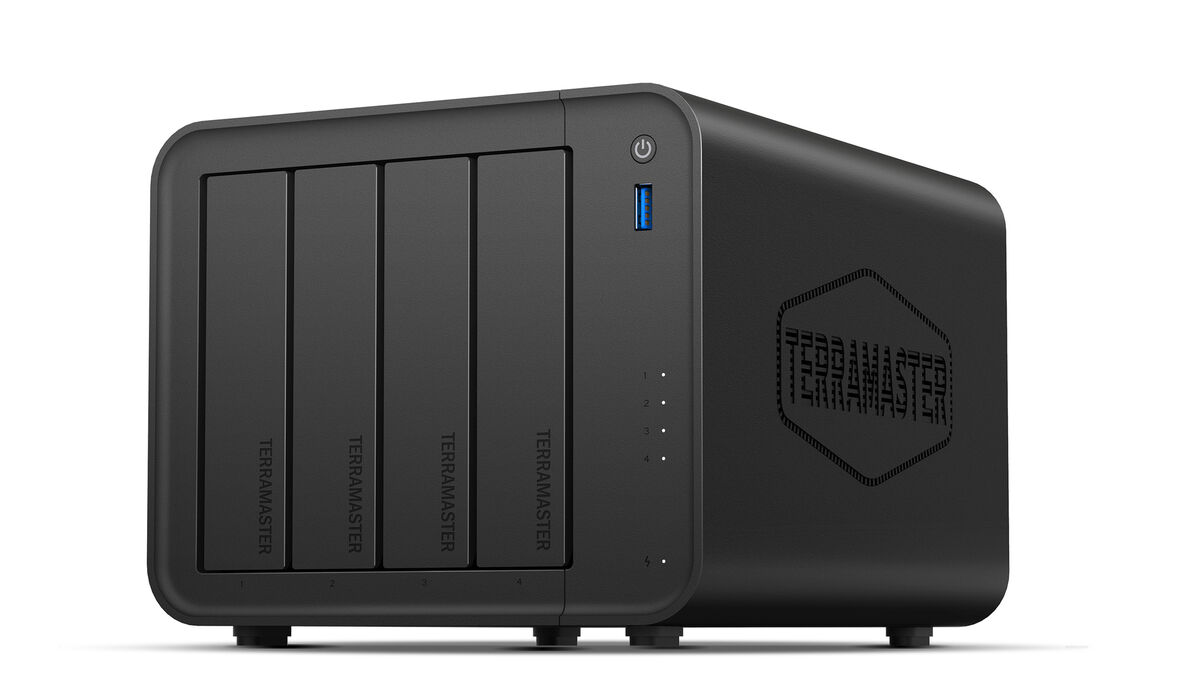
After several months of daily use, the TerraMaster F4-425 has proven itself to be a practical, no-nonsense piece of hardware. It has a matte black enclosure and is compact enough to sit beside a router or monitor without drawing attention, which is exactly what I want from a NAS. This is not a device you show off; it is one you rely on.
The front-loading drive bays slide out smoothly and lock securely, and TerraMaster’s push-lock tool-free design makes quick, easy installation possible with 3.5-inch HDs. If you install 2.5-inch drives, you will need screws them onto the tray, but assembly is quick and painless.
Ventilation is handled by a rear fan that remains impressively quiet most of the time. It is not silent, but it never became intrusive in my workspace.
Living with the F4-425 has reminded me just how versatile a NAS can be. At its simplest, it is central storage for documents, photos and videos, but the real benefit comes from how it becomes the digital heart of the home. I used it for automated laptop backups, shared family folders, media streaming and remote file access while travelling.
It replaces multiple external drives and reduces dependence on paid cloud storage. Everything becomes easier to organise and retrieve, and there is a reassuring sense of control knowing the data is stored locally. It’s great for families, photographers, or anyone juggling multiple devices.
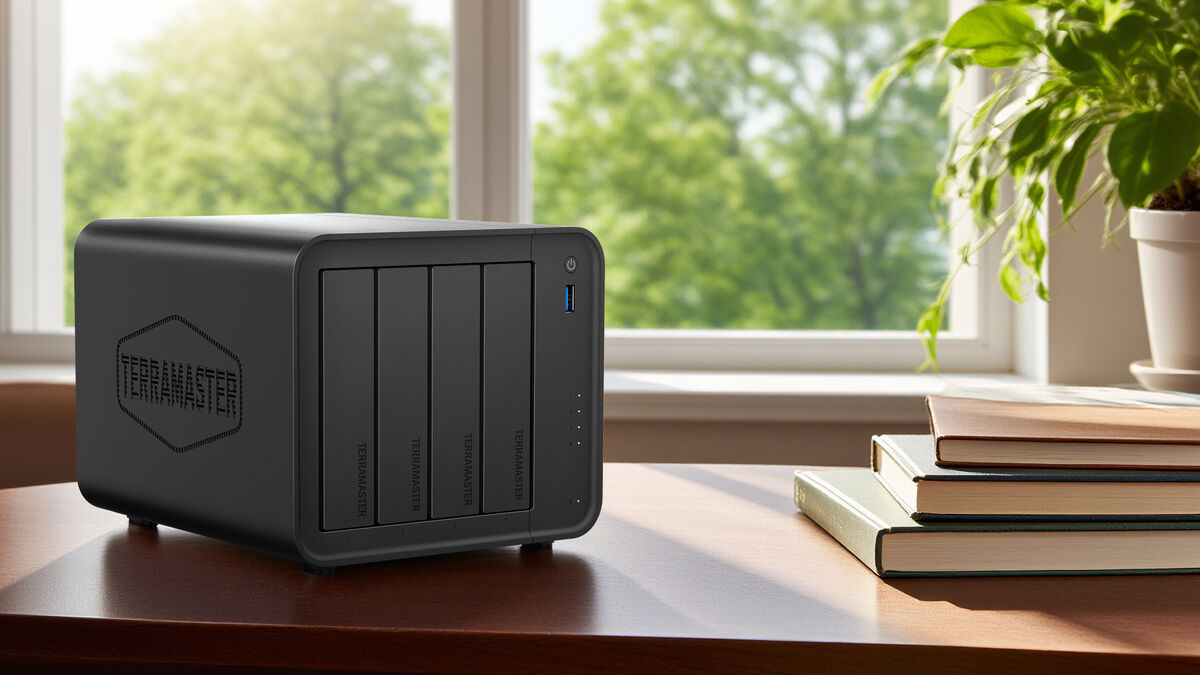
For my setup, I installed four 500GB Samsung SSDs across the four bays and set them up in RAID 5, which gave me 1.5TB of usable storage. The result was near-instant responsiveness and virtually silent operation, which is fantastic if maximum speed is the goal. However, unless you are chasing raw performance, I would still recommend dedicated NAS hard drives. They deliver a far better price-per-terabyte ratio and are built specifically for continuous operation, making them the more sensible long-term choice for most users.
Performance in real-world use has been excellent. Large file transfers are smooth, multitasking is comfortable, and media playback is where the F4-425 really excels. I streamed up to 80GB 4K movie files over my home Wi-Fi network without stutter or buffering, which is exactly the kind of reliability you hope for from a modern NAS. It feels fast without being excessive, powerful enough for demanding home use without drifting into enterprise territory.
The F4-425 is powered by an Intel Celeron N5095 quad-core processor paired with 4GB of DDR4 RAM, which provides enough headroom for multitasking, 4K media handling and multiple simultaneous users without strain. This is plenty of power for home users, but do not expect to run many services or virtual machines with just 4 GB of RAM and limited processing power. There is only a single RAM slot, so if you want to upgrade the memory, you will need to replace the included 4GB module with up to 16GB of RAM.
Connectivity is handled via a 2.5 GbE network port, enabling faster file transfers for those with compatible routers or switches. While there is only a single network port and no support for 10 GbE, I do not think most home users would see much benefit from those faster network speeds.
Storage capacity can be scaled up to an enormous 120TB using four drives, and TerraMaster’s TRAID flexible array technology allows you to mix and match HDDs and SSDs of varying sizes within the same storage pool, enabling incremental, flexible upgrades without replacing all drives at once.
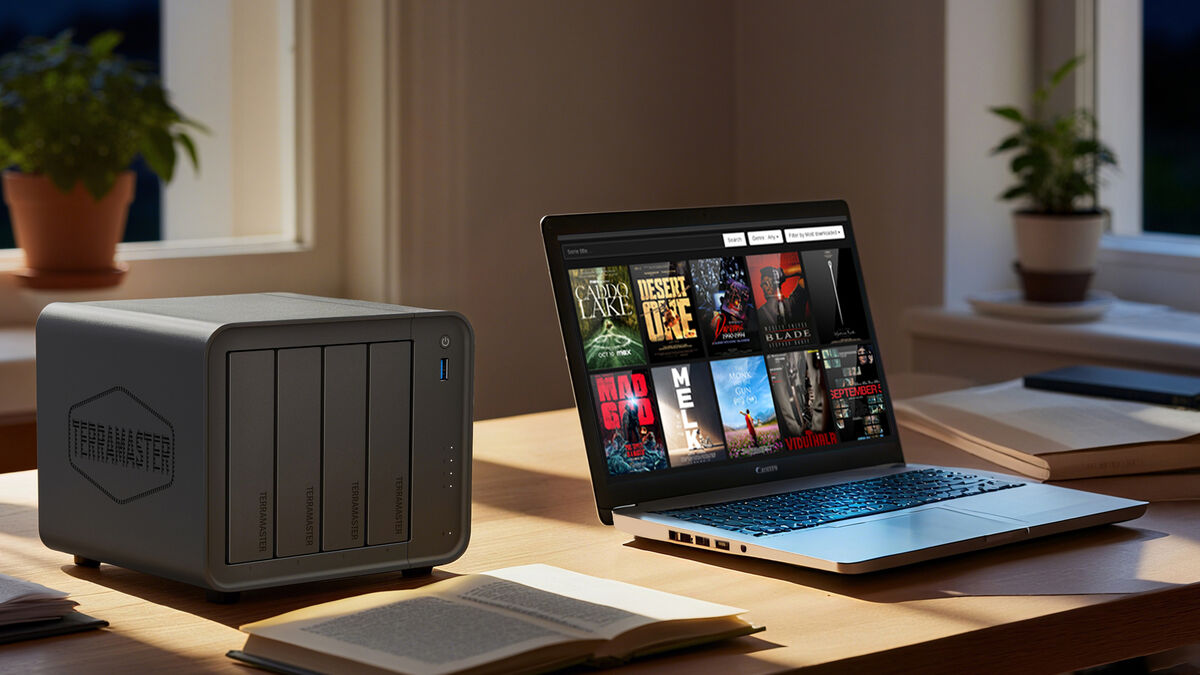
Hardware-level 4K H.265 decoding ensures smooth media playback, and compatibility with Plex, Emby and Jellyfin broadens streaming options. I installed Jellyfin, and it worked like a charm.
Security features are comprehensive, including 256-bit TLS encryption, snapshot protection and cloud synchronisation with services such as Google Drive and OneDrive.
Around the rear, you will find the primary 2.5GbE Ethernet port and even if your current router only supports standard gigabit speeds, the inclusion of 2.5GbE provides future-proofing should you upgrade your networking gear later.
The unit includes three USB ports (two on the rear and one on the front). These allow quick attachment of external hard drives for backups, flash drives for rapid file imports, or even peripherals such as keyboards and UPS devices.
The standout inclusion, however, is the HDMI port. This effectively transforms the NAS from a background storage box into a direct media hub. By connecting it directly to a television or monitor, you can run supported media applications and play films, music, and photos without a separate streaming device.
One of my favourite aspects of the TerraMaster ecosystem is the built-in music server. I have spent years digitising CDs into lossless formats and building a personal music archive, and this NAS gives that collection a good home. Albums, artwork, and metadata are neatly organised, and streaming music to phones or tablets is seamless, both locally and remotely.
I was able to set up multiple family accounts in minutes, allowing everyone access to the shared library from anywhere in the world. It effectively lets me run my own private streaming service using music I actually own, without subscriptions or compression. For anyone who values audio quality or independence from mainstream platforms, this feature alone is a strong draw.
The TerraPhotos app is equally impressive for image management. It automatically organises photos, supports facial and scene recognition and helps eliminate duplicates. This is a dependable archive system for both smartphone snaps and camera images. You can use it as an alternative to iCloud or Google Photos, or to free up phone storage while keeping everything searchable and secure locally.
TerraMaster’s TOS software is capable, but it is also where my main niggles lie. It is not as intuitive as some competing NAS platforms, and there is a definite learning curve. Newcomers may find the interface slightly overwhelming at first. It is not the worst system I have used, far from it, but it does not quite match the polish or immediate friendliness of market leaders.
Where it excels is flexibility. Docker support is a major plus, allowing quick installation of applications such as Jellyfin. This dramatically expands what the NAS can do, from media servers to automation tools and self-hosted services. Once you become comfortable navigating the menus, the possibilities open up, but patience is required during the early stages.
The TerraMaster F4-425 is a fast, capable, and highly flexible four-bay NAS that delivers excellent media performance and strong hardware value. Its software does have a learning curve, but Docker support and reliable 4K streaming make it a solid choice for committed home users who want more control over their personal data.
€460 amazon.ie